katerinach
Developer
Assigned ttblaze
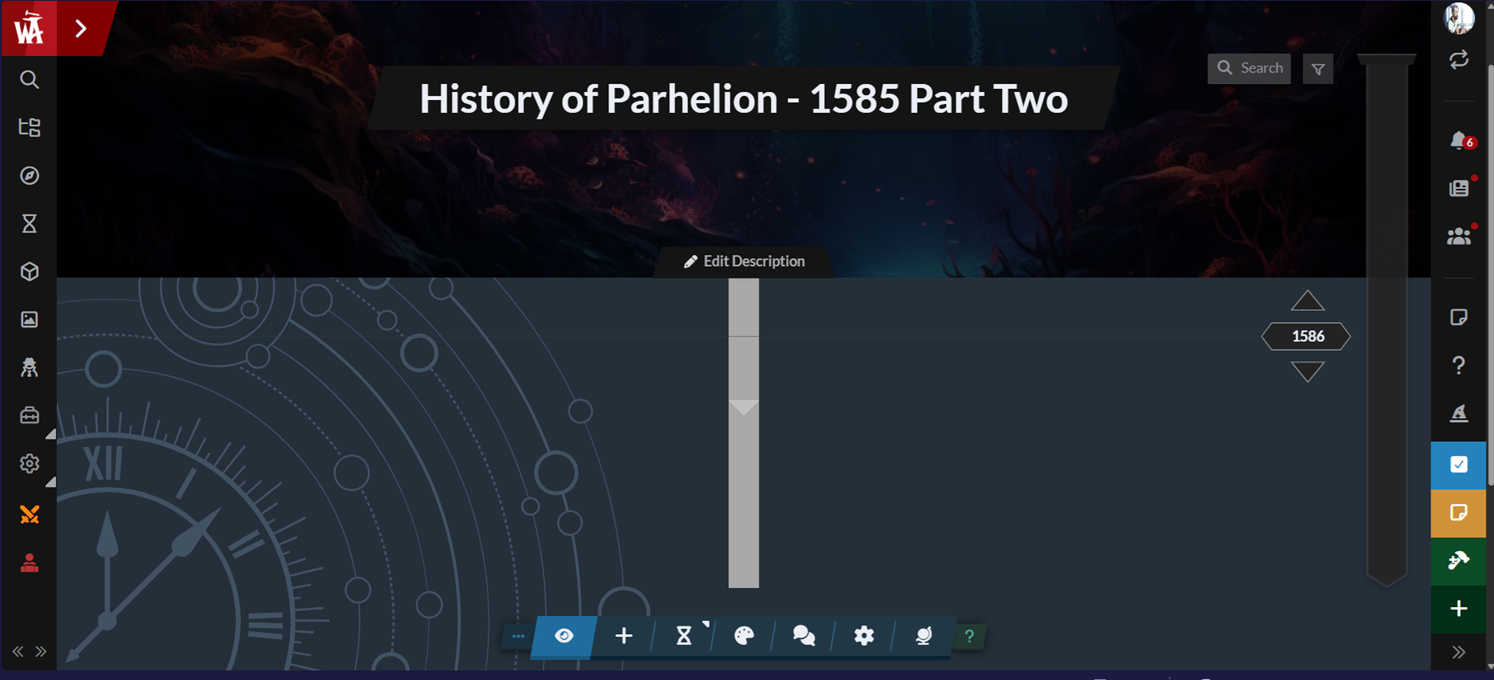
Historical Entries not appearing on new timeline.
Historical Entries not appearing on new timeline.
Closed- Feature
- Timelines
- Reported by
- Jon Garrett
- Opened
- Assigned to
- ttblaze
Description
I created a new timeline, added an entry...and it doesn't show up.
The timeline is here - https://www.worldanvil.com/w/parhelion-drykos/t2/history-of-parhelion---1585-part-two-timeline - and the timeline entry is here - https://www.worldanvil.com/w/parhelion-drykos/h/e1ea4d53-44c5-4c98-af44-37c5714a7a99 - and it should be noted the timeline is connected to the right timeline, it just doesn't appear on the timeline itself.
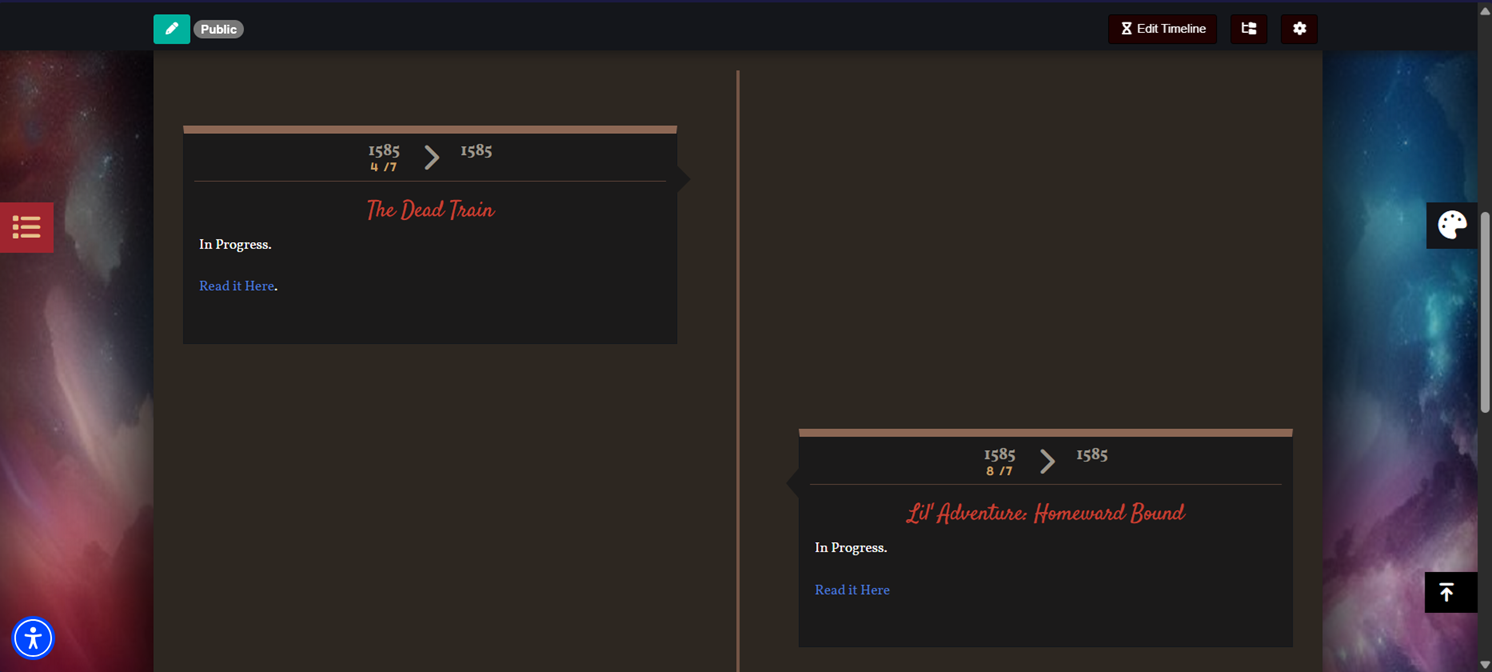
Interestingly, when I revert it to an older style timeline it does work correctly. I'll do so in a few days as a temporary fix so my players can use it.
The timeline is here - https://www.worldanvil.com/w/parhelion-drykos/t2/history-of-parhelion---1585-part-two-timeline - and the timeline entry is here - https://www.worldanvil.com/w/parhelion-drykos/h/e1ea4d53-44c5-4c98-af44-37c5714a7a99 - and it should be noted the timeline is connected to the right timeline, it just doesn't appear on the timeline itself.
Interestingly, when I revert it to an older style timeline it does work correctly. I'll do so in a few days as a temporary fix so my players can use it.
Steps to Reproduce
Make a new timeline and add a new entry, I assume. This is the second time I've made this timeline and it has done the same thing.
History
Comments and updates to this report
katerinach
Developer
Assigned synchr0nicity
synchr0nicity
Developer
Assigned ttblaze
ttblaze
Assignee
ttblaze
Assignee
ttblaze
Assignee
set this bug to closed
Find your way!
Resources
WHO WE ARE
LEGAL
Listen to our Podcast




by 3 Armored Kittens · Prodromos v.1.1 - World Anvil 0.9.15.050 © 2017-2025 [en] | Anvil Time: 10:25, Oct 14 2026